• Home
  • News
  • Fortune 500
  • Tech
  • Finance
  • Leadership
  • Lifestyle
  • Rankings
  • Multimedia
TechWorld's Most Admired Companies

How to Use a ‘Glitch’ to Speed Up Your iPhone

By
Don Reisinger
Don Reisinger
Down Arrow Button Icon
By
Don Reisinger
Don Reisinger
Down Arrow Button Icon
March 10, 2016, 11:39 AM ET
A new ad-blocking feature is set to come to iOS 9, setting up a confrontation between Apple and Google.
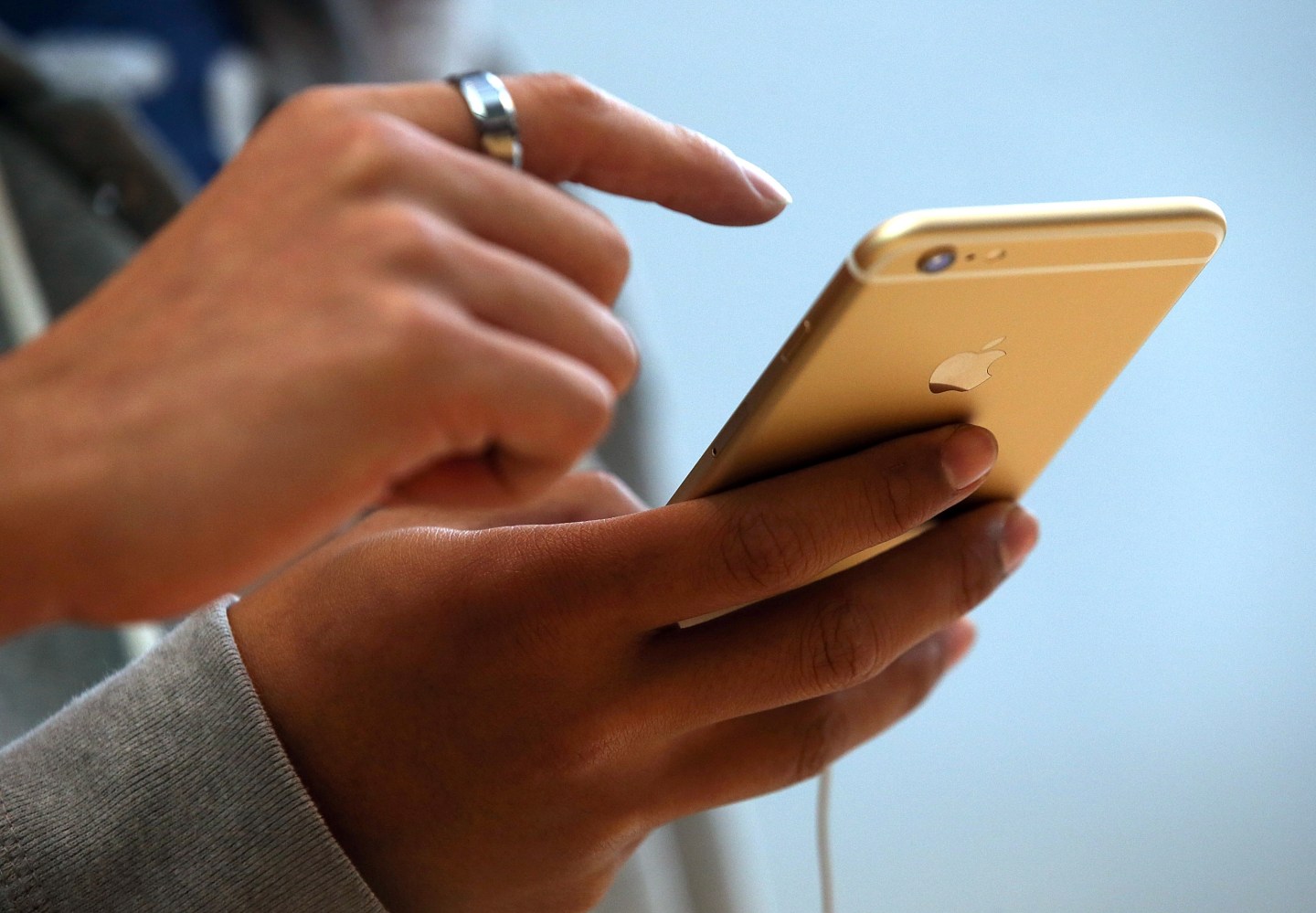
A new ad-blocking feature is set to come to iOS 9, setting up a confrontation between Apple and Google.Photograph by Justin Sullivan—Getty Images

A so-called “glitch” in Apple’s iOS 9 could speed up your iPhone.

The folks over at Apple (AAPL)-tracking site 9to5Mac have published a video showing how iPhone owners can use what the site calls a “glitch” to increase the speed with which apps load on the handset. And unlike many of the “hacks” that users employ to improve certain iPhone features, this doesn’t require advanced skills. In fact, it takes just a few seconds to exploit the glitch, and the result is a noticeable improvement in the iPhone’s performance.

So, let’s start with the basics. Apple’s iOS has a feature that’s designed to elegantly load apps. If you click on an app, the program will fade in to fill the screen. While it may be aesthetically pleasing, for those who want to quickly get to the app, it causes a bit of a slowdown. To address that, Apple has a setting, called “Reduce Motion,” that will eliminate some of that movement and reduce the program’s loading time. Still, the app won’t immediately pop up, since the “Reduce Motion” function doesn’t eliminate a fade-in sequence.

Get Data Sheet, Fortune’s technology newsletter.

However, after a person on Reddit found the aforementioned bug, 9to5Mac tested it and discovered that there’s a simple way to get apps to immediately load without any of the transitions. And in its own test of the hack, Fortune can confirm it works, and that it only takes a few seconds to exploit.

To get your apps loading more quickly, perform the following steps:

  1. Turn on Assistive Touch by opening Settings>General>Accessibility.
  2. Ensure that the Assistive Touch button is at the bottom right-hand corner of the screen.
  3. Within the home screen, open up Spotlight search by swiping your finger down from the top of the display. As soon as the Assistive Touch button moves above the keyboard, type anywhere between the search bar and the keyboard to return to the home screen.
  4. Open another app to see if the transitions are gone. If so, you’ve turned off all transitions and now your apps should be loading far more quickly.
  5. Turn off Assistive Touch (though leaving it on doesn’t appear to affect app performance).

It’s unknown whether the bug can be exploited on other devices or iOS versions, but 9to5Mac says it tested it on iPads running iOS 9, and was able to get the same result.

For more on Apple, watch:

Every operating system has a slew of bugs that go unnoticed by bug testers. The major issues are caught nearly immediately, and subsequent problems are only discovered when a large number of users start playing around with a platform. Then there are the hidden bugs that are often stumbled upon and caused by a series of seemingly disconnected actions. It’s likely this “glitch” falls into that category.

Here’s Why Your iPhone Is Getting Emails from 1970

The question now is whether Apple will try to fix the glitch or embrace it. The feature actually creates a better iPhone experience and makes loading apps much zippier. Perhaps a better option would be to add a feature that eliminates those transitions entirely, so users can choose to open apps without waiting for a transition. But ultimately, that’s Apple’s call.

Apple did not immediately respond to a request for comment.

About the Author
By Don Reisinger
See full bioRight Arrow Button Icon

Latest in Tech

InnovationVenture Capital
This Khosla Ventures-backed startup is using AI to personalize cancer care
By Allie GarfinkleDecember 4, 2025
2 hours ago
AIEye on AI
Companies are increasingly falling victim to AI impersonation scams. This startup just raised $28M to stop deepfakes in real time
By Sharon GoldmanDecember 4, 2025
2 hours ago
Jensen Huang
SuccessBillionaires
Nvidia CEO Jensen Huang admits he works 7 days a week, including holidays, in a constant ‘state of anxiety’ out of fear of going bankrupt
By Jessica CoacciDecember 4, 2025
2 hours ago
Ted Pick
BankingData centers
Morgan Stanley considers offloading some of its data-center exposure
By Esteban Duarte, Paula Seligson, Davide Scigliuzzo and BloombergDecember 4, 2025
3 hours ago
Zuckerberg
EnergyMeta
Meta’s Zuckerberg plans deep cuts for Metaverse efforts
By Kurt Wagner and BloombergDecember 4, 2025
3 hours ago
Pichai
Big TechAlphabet
Alphabet’s AI chips are a potential $900 billion ‘secret sauce’
By Ryan Vlastelica and BloombergDecember 4, 2025
3 hours ago

Most Popular

placeholder alt text
Economy
Two months into the new fiscal year and the U.S. government is already spending more than $10 billion a week servicing national debt
By Eleanor PringleDecember 4, 2025
8 hours ago
placeholder alt text
North America
Jeff Bezos and Lauren Sánchez Bezos commit $102.5 million to organizations combating homelessness across the U.S.: ‘This is just the beginning’
By Sydney LakeDecember 2, 2025
2 days ago
placeholder alt text
Economy
Ford workers told their CEO 'none of the young people want to work here.' So Jim Farley took a page out of the founder's playbook
By Sasha RogelbergNovember 28, 2025
6 days ago
placeholder alt text
North America
Anonymous $50 million donation helps cover the next 50 years of tuition for medical lab science students at University of Washington
By The Associated PressDecember 2, 2025
2 days ago
placeholder alt text
Economy
Scott Bessent calls the Giving Pledge well-intentioned but ‘very amorphous,’ growing from ‘a panic among the billionaire class’
By Nick LichtenbergDecember 3, 2025
1 day ago
placeholder alt text
AI
IBM CEO warns there’s ‘no way’ hyperscalers like Google and Amazon will be able to turn a profit at the rate of their data center spending
By Marco Quiroz-GutierrezDecember 3, 2025
1 day ago
Rankings
  • 100 Best Companies
  • Fortune 500
  • Global 500
  • Fortune 500 Europe
  • Most Powerful Women
  • Future 50
  • World’s Most Admired Companies
  • See All Rankings
Sections
  • Finance
  • Leadership
  • Success
  • Tech
  • Asia
  • Europe
  • Environment
  • Fortune Crypto
  • Health
  • Retail
  • Lifestyle
  • Politics
  • Newsletters
  • Magazine
  • Features
  • Commentary
  • Mpw
  • CEO Initiative
  • Conferences
  • Personal Finance
  • Education
Customer Support
  • Frequently Asked Questions
  • Customer Service Portal
  • Privacy Policy
  • Terms Of Use
  • Single Issues For Purchase
  • International Print
Commercial Services
  • Advertising
  • Fortune Brand Studio
  • Fortune Analytics
  • Fortune Conferences
  • Business Development
About Us
  • About Us
  • Editorial Calendar
  • Press Center
  • Work At Fortune
  • Diversity And Inclusion
  • Terms And Conditions
  • Site Map

© 2025 Fortune Media IP Limited. All Rights Reserved. Use of this site constitutes acceptance of our Terms of Use and Privacy Policy | CA Notice at Collection and Privacy Notice | Do Not Sell/Share My Personal Information
FORTUNE is a trademark of Fortune Media IP Limited, registered in the U.S. and other countries. FORTUNE may receive compensation for some links to products and services on this website. Offers may be subject to change without notice.