• Home
  • News
  • Fortune 500
  • Tech
  • Finance
  • Leadership
  • Lifestyle
  • Rankings
  • Multimedia
Tech

Toddler-Proof Your iPhone With This Quick Trick

By
John Patrick Pullen
John Patrick Pullen
Down Arrow Button Icon
By
John Patrick Pullen
John Patrick Pullen
Down Arrow Button Icon
June 27, 2016, 7:28 PM ET
Apple Begins Selling iPhone 5 S/C In Berlin
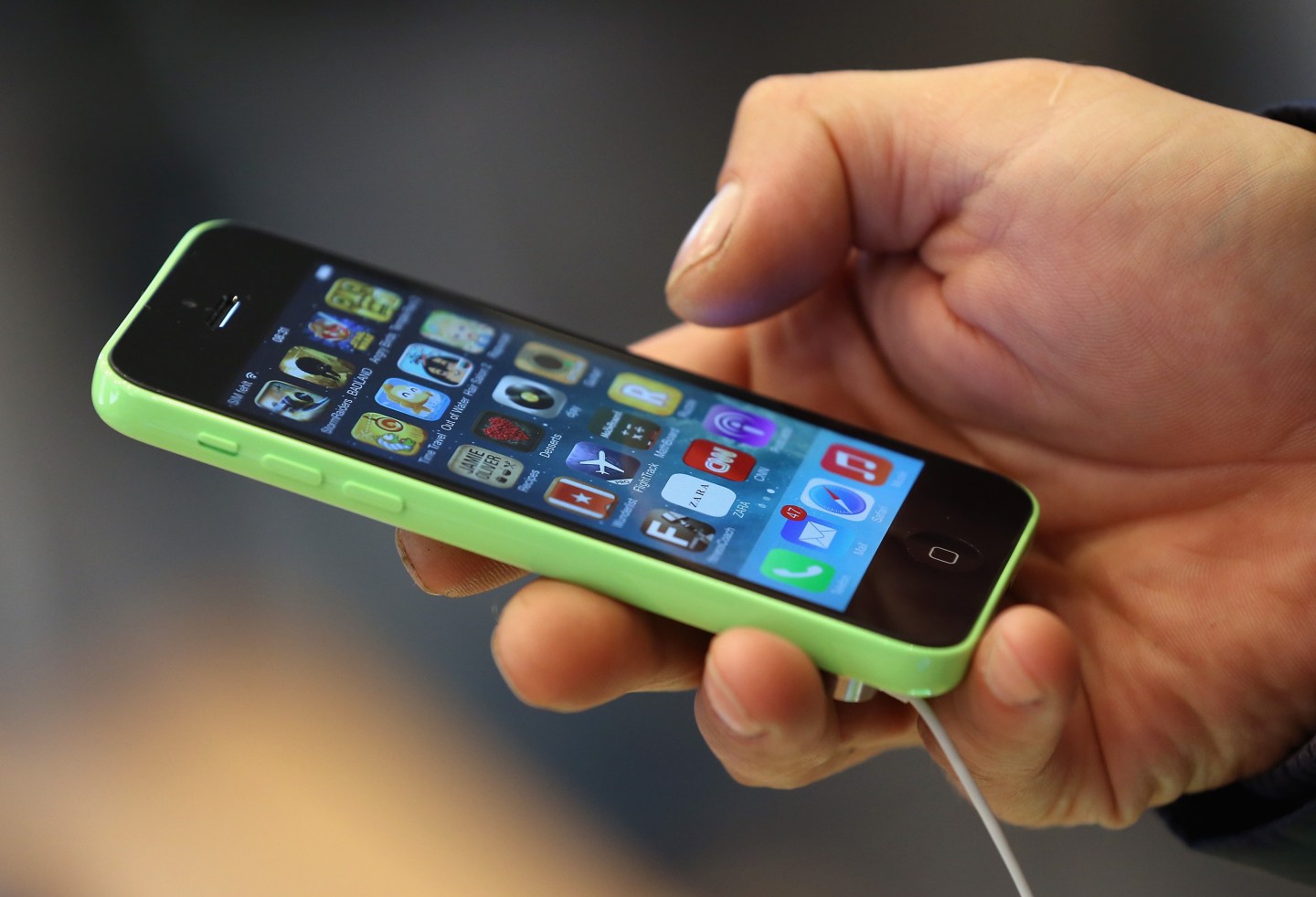
BERLIN, GERMANY - SEPTEMBER 20: A customer tries out the new Apple iPhone 5C smartphone at the Berlin Apple Store on the first day of sales on September 20, 2013 in Berlin, Germany. The new iPhone 5S and 5C phones went on sale all over the world today and hundreds of customers waited outside the Berlin store in the rain to be among the first to buy the new phones starting at 8am. (Photo by Sean Gallup/Getty Images)Photograph by Sean Gallup — Getty Images

In a parental pinch, iPhones and iPads make great pacifiers. That’s not to say you should let junior put Apple devices in his or her mouth, but their flashing lights and colors are a sure-fire way to stop a screaming baby mid-wail. Is it healthy? Probably not, but then again neither is prolonged exposure to side-eye from tables of disapproving restaurant goers when you’re just trying to eat your dinner like a normal person.

The big danger of putting smartphones and tablets in tiny, unpredictable hands is that they’re likely to hit the home button, closing the episode of Daniel Tiger’s Neighborhood that was the one thing standing between a civilized meal and a toddler meltdown. (Or worse, accidentally sending potentially embarrassing messages.)

But there is a way to put your Apple device on lockdown while still letting an open app operate as usual. A setting called Guided Access keeps an iPhone or iPad locked in an app, even if someone hits the home button.

Get Data Sheet, Fortune’s technology newsletter.

To turn on the feature, tap on Settings -> General -> Accessibility -> Guided Access, and turn flip the switch so it looks green. (Don’t worry, your phone won’t function any differently unless prompted.)

Next, set a passcode—but not the same as your regular iPhone code. This is important, because if your future honor roll student already knows your device’s passcode, they still won’t be able to get out of the Guided Access mode. You can also use Touch ID to turn off Guided Access. That’s a great idea if you’re likely to forget the new PIN you just entered.

Once enabled, all you need to do to use Guided Access is triple-tap the home button as you hand your phone to someone else.

You Really Need to Update Your iPhone

You can also set a time limit with Guided Access, which is a good way to limit little ones’ screen time. Once the time expires, the device automatically locks up. When you configure that setting, it lets you set an alert tone and it speaks the time remaining out loud, which is great for children who haven’t learned how to read yet.

Lastly, within Guided Access’ setting menu is the option to enable an Accessibility Shortcut. Green-light this one as well—it’s what puts the screen-locking feature just a triple-tap of the home button away.

And once you triple-tap within an app, there are even more options to ward off wandering fingers. For instance, you can circle areas of the screen you’d like touch to be disabled on (ideal for blocking access to the play/pause button on Netflix, for instance).You can also turn off the functionality of the sleep/wake button (recommended), volume rocker, on-screen keyboards, or even all the controls on the touchscreen itself.

Get Ready for the iPhone 8 ‘Super Cycle’

Because Guided Access is so handy, it’s a feature that everyone should activate. That’s especially true if you plan passing your phone to nosy friends so they can view photos, or even just an airport worker scanning a boarding pass.


About the Author
By John Patrick Pullen
See full bioRight Arrow Button Icon

Latest in Tech

AIMeta
It’s ‘kind of jarring’: AI labs like Meta, Deepseek, and Xai earned some of the worst grades possible on an existential safety index
By Patrick Kulp and Tech BrewDecember 5, 2025
8 hours ago
Elon Musk
Big TechSpaceX
Musk’s SpaceX discusses record valuation, IPO as soon as 2026
By Edward Ludlow, Loren Grush, Lizette Chapman, Eric Johnson and BloombergDecember 5, 2025
8 hours ago
data center
EnvironmentData centers
The rise of AI reasoning models comes with a big energy tradeoff
By Rachel Metz, Dina Bass and BloombergDecember 5, 2025
8 hours ago
netflix
Arts & EntertainmentAntitrust
Hollywood writers say Warner takeover ‘must be blocked’
By Thomas Buckley and BloombergDecember 5, 2025
8 hours ago
person
CybersecurityDigital
Dictionaries’ words of the year are trying to tell us something about being online in 2025
By Roger J. KreuzDecember 5, 2025
9 hours ago
Greg Peters
Big TechMedia
Top analyst says Netflix’s $72 billion bet on Warner Bros. isn’t about the ‘death of Hollywood’ at all. It’s really about Google
By Nick LichtenbergDecember 5, 2025
11 hours ago

Most Popular

placeholder alt text
Economy
Two months into the new fiscal year and the U.S. government is already spending more than $10 billion a week servicing national debt
By Eleanor PringleDecember 4, 2025
2 days ago
placeholder alt text
Success
‘Godfather of AI’ says Bill Gates and Elon Musk are right about the future of work—but he predicts mass unemployment is on its way
By Preston ForeDecember 4, 2025
2 days ago
placeholder alt text
Success
Nearly 4 million new manufacturing jobs are coming to America as boomers retire—but it's the one trade job Gen Z doesn't want
By Emma BurleighDecember 4, 2025
2 days ago
placeholder alt text
Success
Nvidia CEO Jensen Huang admits he works 7 days a week, including holidays, in a constant 'state of anxiety' out of fear of going bankrupt
By Jessica CoacciDecember 4, 2025
2 days ago
placeholder alt text
Real Estate
‘There is no Mamdani effect’: Manhattan luxury home sales surge after mayoral election, undercutting predictions of doom and escape to Florida
By Sasha RogelbergDecember 4, 2025
1 day ago
placeholder alt text
Economy
Tariffs and the $38 trillion national debt: Kevin Hassett sees ’big reductions’ in deficit while Scott Bessent sees a ‘shrinking ice cube’
By Nick LichtenbergDecember 4, 2025
2 days ago
Rankings
  • 100 Best Companies
  • Fortune 500
  • Global 500
  • Fortune 500 Europe
  • Most Powerful Women
  • Future 50
  • World’s Most Admired Companies
  • See All Rankings
Sections
  • Finance
  • Leadership
  • Success
  • Tech
  • Asia
  • Europe
  • Environment
  • Fortune Crypto
  • Health
  • Retail
  • Lifestyle
  • Politics
  • Newsletters
  • Magazine
  • Features
  • Commentary
  • Mpw
  • CEO Initiative
  • Conferences
  • Personal Finance
  • Education
Customer Support
  • Frequently Asked Questions
  • Customer Service Portal
  • Privacy Policy
  • Terms Of Use
  • Single Issues For Purchase
  • International Print
Commercial Services
  • Advertising
  • Fortune Brand Studio
  • Fortune Analytics
  • Fortune Conferences
  • Business Development
About Us
  • About Us
  • Editorial Calendar
  • Press Center
  • Work At Fortune
  • Diversity And Inclusion
  • Terms And Conditions
  • Site Map

© 2025 Fortune Media IP Limited. All Rights Reserved. Use of this site constitutes acceptance of our Terms of Use and Privacy Policy | CA Notice at Collection and Privacy Notice | Do Not Sell/Share My Personal Information
FORTUNE is a trademark of Fortune Media IP Limited, registered in the U.S. and other countries. FORTUNE may receive compensation for some links to products and services on this website. Offers may be subject to change without notice.