• Home
  • News
  • Fortune 500
  • Tech
  • Finance
  • Leadership
  • Lifestyle
  • Rankings
  • Multimedia
TechApple

Apple: Future iOS Update Will Fix 1970 Bug

By
Jason Cipriani
Jason Cipriani
Down Arrow Button Icon
By
Jason Cipriani
Jason Cipriani
Down Arrow Button Icon
February 16, 2016, 1:41 PM ET
Apple Inc. iPhone 6s Goes On Sale
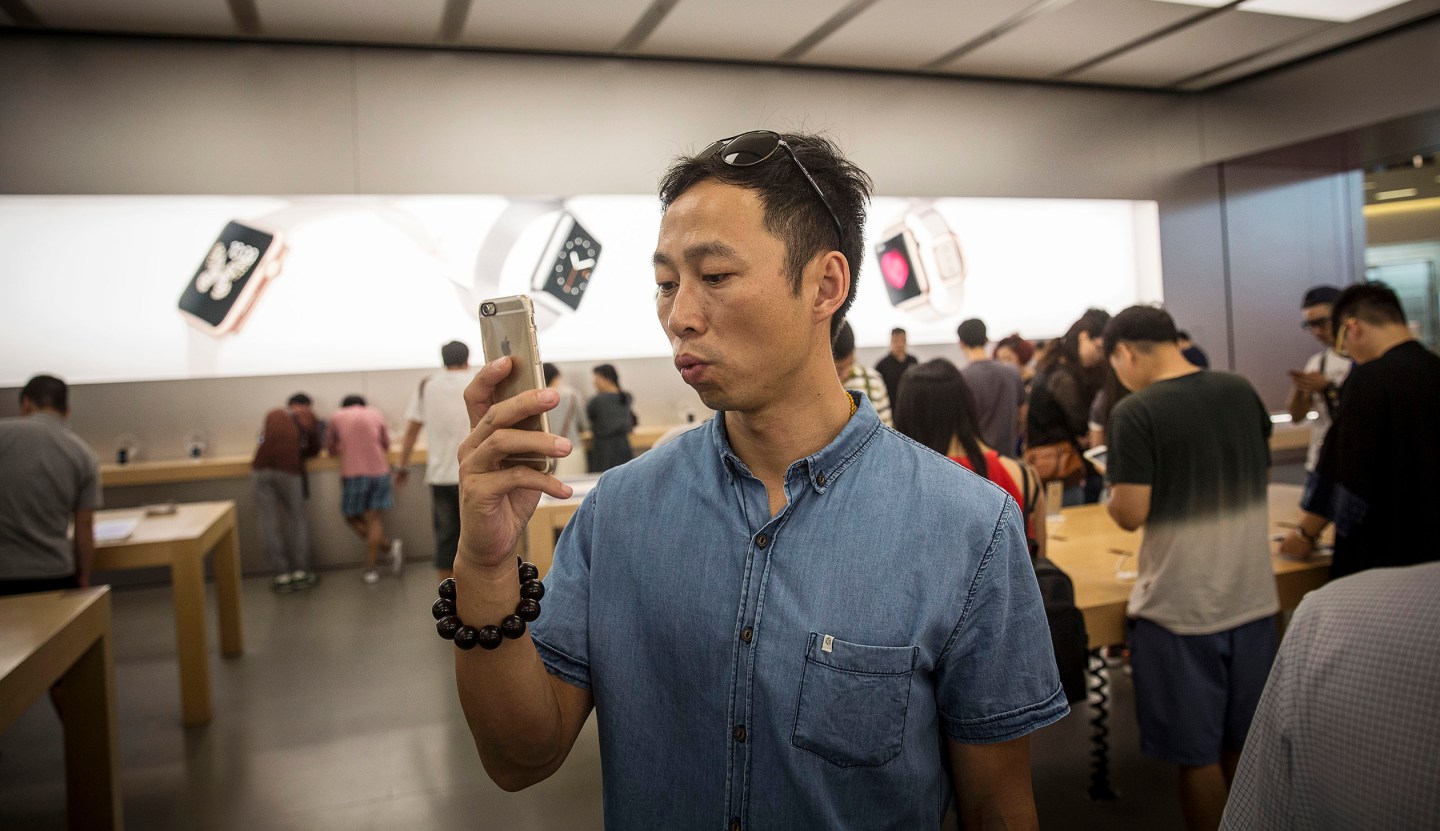
A customers takes a photograph using an Apple Inc.'s iPhone at the company's store during the sales launch of the iPhone 6s and iPhone 6s Plus at the IAPM shopping mall in Shanghai, China, on Friday, Sept. 25, 2015. The latest models, following last year's hugely popular design overhaul that added bigger screens, may not match the success of previous releases, according to analysts. Photographer: Qilai Shen/Bloomberg via Getty Images Qilai Shen—Bloomberg /Getty Images

Apple is aware of the 1970 date bug and will release a software update to fix the issue, according to a support document published on Monday.

Void of many details, Apple (AAPL) acknowledges changing the date on an iOS device to May 1970 or earlier “can prevent your iOS device from turning on after a restart.”

Apple then asks users who have a bricked iOS device to contact Apple Support for help.

No one really knows why or how the bug was first discovered, but after it was revealed, users began testing the claim or trying to trick other people into changing the date on their device. Last week, videos and news reports surfaced showing what happens to an iOS device running iOS 8 or newer, after turning back the date some 46 years.

Once the date is changed and the iOS device is restarted, the Apple logo appears on the screen and nothing more happens. Try as it might, the Apple device is unable to finish booting up.

For more read Bad Things Happen After Setting Your iOS Device’s Date to Jan. 1, 1970

Until Apple releases a fix, there are three more possible solutions that users with a broken device can try. Some people have reported that waiting until the battery on the iOS device has completely drained and then connecting to a charger will bring the it back to life.

Testing done by MacNN also indicates that disconnecting the device’s battery can help. Once with battery is reconnected, it will power up as expected (though you may have to restore from an iCloud or iTunes backup).

However, this option isn’t the best idea, especially if your iOS device is still under warranty. Taking apart an Apple product on your own, or using a third-party repair shop, voids the warranty on your device. Not to mention, you’ll need specialized tools in order to properly take apart an iOS device and put it back together.

Get Data Sheet, Fortune’s technology newsletter.

But the third option may be the easiest and safest of all: Put your iOS device into what’s called DFU mode (device firmware update) and restore it using iTunes on a computer.

To put an iOS device into DFU mode, connect it to a computer and open iTunes. With the device powered on, hold in the power and home button on the device for roughly 10 seconds, or until the screen goes black. Once the screen goes black, let go of the power button while continuing to hold the home button.

According to MacNN, iTunes will eventually recognize the device is connected and in recovery mode. When prompted, opt to set up the device as brand new instead of restoring from a backup.

For more on Apple watch our video.

Seven out of the 10 instances where MacNN used this method to fix a bricked iOS device, it took nearly an hour for iTunes to recognize the device was connected and in recovery mode. In other words, once you successfully put your iOS device into recovery mode, be patient. On three occasions, iTunes recognized the device instantly.

For complete instructions on fixing this unusual bug should you have fallen victim to a prank, you can read MacNN’s post. Or, if you’d rather just leave it to the professionals, book an appointment at your local Apple Store and have a Genius take a look.


About the Author
By Jason Cipriani
See full bioRight Arrow Button Icon

Latest in Tech

InnovationVenture Capital
This Khosla Ventures-backed startup is using AI to personalize cancer care
By Allie GarfinkleDecember 4, 2025
2 hours ago
AIEye on AI
Companies are increasingly falling victim to AI impersonation scams. This startup just raised $28M to stop deepfakes in real time
By Sharon GoldmanDecember 4, 2025
3 hours ago
Jensen Huang
SuccessBillionaires
Nvidia CEO Jensen Huang admits he works 7 days a week, including holidays, in a constant ‘state of anxiety’ out of fear of going bankrupt
By Jessica CoacciDecember 4, 2025
3 hours ago
Ted Pick
BankingData centers
Morgan Stanley considers offloading some of its data-center exposure
By Esteban Duarte, Paula Seligson, Davide Scigliuzzo and BloombergDecember 4, 2025
3 hours ago
Zuckerberg
EnergyMeta
Meta’s Zuckerberg plans deep cuts for Metaverse efforts
By Kurt Wagner and BloombergDecember 4, 2025
3 hours ago
Pichai
Big TechAlphabet
Alphabet’s AI chips are a potential $900 billion ‘secret sauce’
By Ryan Vlastelica and BloombergDecember 4, 2025
3 hours ago

Most Popular

placeholder alt text
Economy
Two months into the new fiscal year and the U.S. government is already spending more than $10 billion a week servicing national debt
By Eleanor PringleDecember 4, 2025
8 hours ago
placeholder alt text
North America
Jeff Bezos and Lauren Sánchez Bezos commit $102.5 million to organizations combating homelessness across the U.S.: ‘This is just the beginning’
By Sydney LakeDecember 2, 2025
2 days ago
placeholder alt text
Economy
Ford workers told their CEO 'none of the young people want to work here.' So Jim Farley took a page out of the founder's playbook
By Sasha RogelbergNovember 28, 2025
6 days ago
placeholder alt text
North America
Anonymous $50 million donation helps cover the next 50 years of tuition for medical lab science students at University of Washington
By The Associated PressDecember 2, 2025
2 days ago
placeholder alt text
Economy
Scott Bessent calls the Giving Pledge well-intentioned but ‘very amorphous,’ growing from ‘a panic among the billionaire class’
By Nick LichtenbergDecember 3, 2025
1 day ago
placeholder alt text
AI
IBM CEO warns there’s ‘no way’ hyperscalers like Google and Amazon will be able to turn a profit at the rate of their data center spending
By Marco Quiroz-GutierrezDecember 3, 2025
1 day ago
Rankings
  • 100 Best Companies
  • Fortune 500
  • Global 500
  • Fortune 500 Europe
  • Most Powerful Women
  • Future 50
  • World’s Most Admired Companies
  • See All Rankings
Sections
  • Finance
  • Leadership
  • Success
  • Tech
  • Asia
  • Europe
  • Environment
  • Fortune Crypto
  • Health
  • Retail
  • Lifestyle
  • Politics
  • Newsletters
  • Magazine
  • Features
  • Commentary
  • Mpw
  • CEO Initiative
  • Conferences
  • Personal Finance
  • Education
Customer Support
  • Frequently Asked Questions
  • Customer Service Portal
  • Privacy Policy
  • Terms Of Use
  • Single Issues For Purchase
  • International Print
Commercial Services
  • Advertising
  • Fortune Brand Studio
  • Fortune Analytics
  • Fortune Conferences
  • Business Development
About Us
  • About Us
  • Editorial Calendar
  • Press Center
  • Work At Fortune
  • Diversity And Inclusion
  • Terms And Conditions
  • Site Map

© 2025 Fortune Media IP Limited. All Rights Reserved. Use of this site constitutes acceptance of our Terms of Use and Privacy Policy | CA Notice at Collection and Privacy Notice | Do Not Sell/Share My Personal Information
FORTUNE is a trademark of Fortune Media IP Limited, registered in the U.S. and other countries. FORTUNE may receive compensation for some links to products and services on this website. Offers may be subject to change without notice.