• Home
  • Latest
  • Fortune 500
  • Finance
  • Tech
  • Leadership
  • Lifestyle
  • Rankings
  • Multimedia
TechApple

You Asked: How Can I Make iTunes Run Faster?

By
John Patrick Pullen
John Patrick Pullen
Down Arrow Button Icon
By
John Patrick Pullen
John Patrick Pullen
Down Arrow Button Icon
April 6, 2016, 7:08 PM ET
Apple Launch iTunes Music Store In London
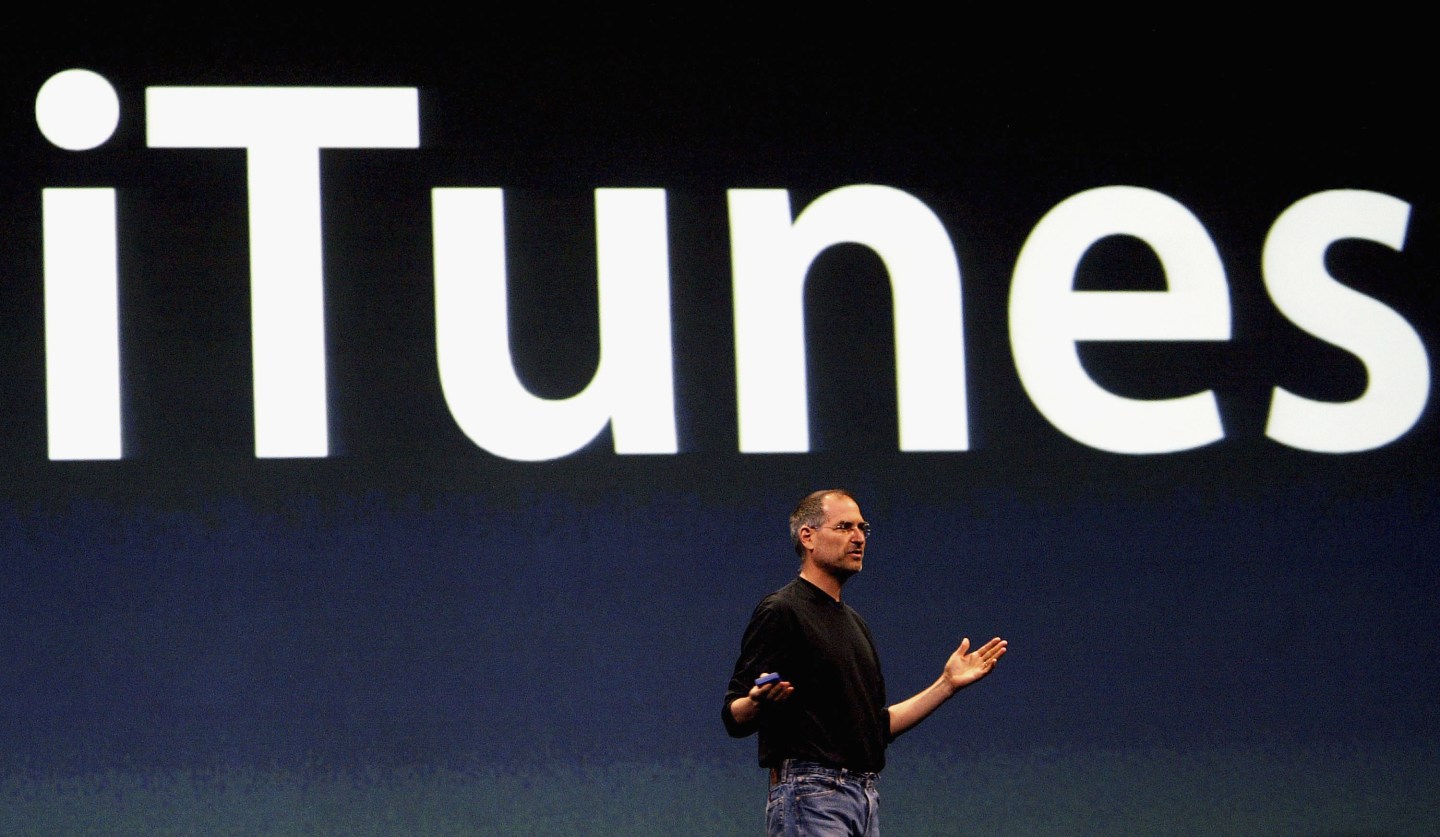
LONDON - JUNE 15: Steve Jobs, Chief Executive Officer of Apple computers, launches iTunes Music Store in the territories of Great Britain, Germany and France, on June 15, 2004 in London. The iTunes store allows users to buy and download albums or individual songs from a library of 700,000 songs. (Photo by Ian Waldie/Getty Images)Photograph by Ian Waldie — Getty Images

Like a gas tanker sliding down an icy highway into rush hour traffic, opening up iTunes can sometimes be a slow motion disaster for your computer.

It typically begins innocently enough. Perhaps you opened an audio file on your desktop, plugged your iPhone in for a quick charge, or clicked on an App Store link on the Internet. Some 10 minutes later after your dock is done bouncing, your Genius playlists are all updated, and your album art all synced.

It doesn’t have to be this way. Follow these four steps to stop the madness that is the iTunes launch sequence.

Get Data Sheet, Fortune’s technology newsletter.

Stop Syncing Automatically

If iTunes launches whenever you plug your iPhone or iPad into your computer for a simple battery boost, the software is configured for automatic syncing. To turn this off, click on “iTunes” in the menu bar, then “Preferences.” This opens up the program’s preference panel. Click on “Devices” and un-check the box next to “Prevent iPods, iPhones, and iPads from syncing automatically.”

Just keep in mind that doing this means your device won’t back up automatically when you connect it to your computer. Setting your iPhone or iPad up with iCloud Backup is a great workaround for this.

Break the Links to the Web

If you’re a dedicated Mac user, there’s one Safari quirk so annoying it may drive you to switch browsers. If you come across a link to an App Store download while using Safari, the browser automatically launches iTunes so you can download it.

The problem is, people haven’t used iTunes to download apps since 2007, so it’s a massive waste of time. Disable this legacy quirk with NoMoreiTunes, a Safari browser extension that throws the brakes on this crazy train before it leaves the station.

How to Fix the iOS Update That Broke Your iPad

Disable Automatic Downloads

Apple keeps a record of all your purchased songs, movies and apps, so there’s really no reason to keep it all on your computer. They’ll clog up your storage, slow down your download speeds, and make iTunes stall as you frantically try to quit it. Instead, just download your media when you want it.

In iTunes preference panel, click on the “Store” icon at the top of the page. Then uncheck the boxes for the files you don’t use on your computer — like Apps, which only run on iOS devices anyway. If you haven’t joined the streaming revolution and still listen to your own music files, keep that box checked. But even movies and television shows are better off in the cloud than on your hard drive. If you do want to store your video locally, don’t select the “Download high-quality SD videos” button, unless you have a really old iPod that you use to watch the files with.

Apple unveils the new Mac OS X: El Capitan

Likewise, deselect “Automatically download album artwork” and “Share details about your library with Apple.” These are two functions that start hogging your computer’s resources as soon as iTunes opens.

Turn off Genius

Another vestige of the time before streaming, Apple’s Genius feature was the company’s answer to Pandora. It analyzed the music files you owned and stored in iTunes and made playlists based on genres and musical characteristics. It also hogs your Mac’s memory and works up your processor for no very good reason. You can disable Genius by clicking on “Store” from the menu and selecting “Turn Genius Off.”

However, it’s possible that you only see “Update Genius” instead. If that’s the case, you’re stuck with Genius on, because you’re either an Apple Music subscriber, iTunes Match user, or both. And even though you don’t use Genius, Apple won’t let you turn it off. More proof that iTunes is in dire need of an update.

Sign up for the Fortune Features email list so you don’t miss our biggest features, exclusive interviews, and investigations.


About the Author
By John Patrick Pullen
See full bioRight Arrow Button Icon

Latest in Tech

Finance
Lorem ipsum dolor sit amet, consectetur adipiscing elit, sed do eiusmod tempor incididunt ut labore et dolore magna aliqua. Ut enim ad minim veniam
By Fortune Editors
October 20, 2025
Finance
Lorem ipsum dolor sit amet, consectetur adipiscing elit, sed do eiusmod tempor incididunt ut labore et dolore magna aliqua. Ut enim ad minim veniam
By Fortune Editors
October 20, 2025
Finance
Lorem ipsum dolor sit amet, consectetur adipiscing elit, sed do eiusmod tempor incididunt ut labore et dolore magna aliqua. Ut enim ad minim veniam
By Fortune Editors
October 20, 2025
Finance
Lorem ipsum dolor sit amet, consectetur adipiscing elit, sed do eiusmod tempor incididunt ut labore et dolore magna aliqua. Ut enim ad minim veniam
By Fortune Editors
October 20, 2025
Finance
Lorem ipsum dolor sit amet, consectetur adipiscing elit, sed do eiusmod tempor incididunt ut labore et dolore magna aliqua. Ut enim ad minim veniam
By Fortune Editors
October 20, 2025
Finance
Lorem ipsum dolor sit amet, consectetur adipiscing elit, sed do eiusmod tempor incididunt ut labore et dolore magna aliqua. Ut enim ad minim veniam
By Fortune Editors
October 20, 2025

Most Popular

Finance
Lorem ipsum dolor sit amet, consectetur adipiscing elit, sed do eiusmod tempor incididunt ut labore et dolore magna aliqua. Ut enim ad minim veniam
By Fortune Editors
October 20, 2025
Finance
Lorem ipsum dolor sit amet, consectetur adipiscing elit, sed do eiusmod tempor incididunt ut labore et dolore magna aliqua. Ut enim ad minim veniam
By Fortune Editors
October 20, 2025
Finance
Lorem ipsum dolor sit amet, consectetur adipiscing elit, sed do eiusmod tempor incididunt ut labore et dolore magna aliqua. Ut enim ad minim veniam
By Fortune Editors
October 20, 2025
Finance
Lorem ipsum dolor sit amet, consectetur adipiscing elit, sed do eiusmod tempor incididunt ut labore et dolore magna aliqua. Ut enim ad minim veniam
By Fortune Editors
October 20, 2025
Finance
Lorem ipsum dolor sit amet, consectetur adipiscing elit, sed do eiusmod tempor incididunt ut labore et dolore magna aliqua. Ut enim ad minim veniam
By Fortune Editors
October 20, 2025
Finance
Lorem ipsum dolor sit amet, consectetur adipiscing elit, sed do eiusmod tempor incididunt ut labore et dolore magna aliqua. Ut enim ad minim veniam
By Fortune Editors
October 20, 2025
Fortune Secondary Logo
Rankings
  • 100 Best Companies
  • Fortune 500
  • Global 500
  • Fortune 500 Europe
  • Most Powerful Women
  • Future 50
  • World’s Most Admired Companies
  • See All Rankings
Sections
  • Finance
  • Fortune Crypto
  • Features
  • Leadership
  • Health
  • Commentary
  • Success
  • Retail
  • Mpw
  • Tech
  • Lifestyle
  • CEO Initiative
  • Asia
  • Politics
  • Conferences
  • Europe
  • Newsletters
  • Personal Finance
  • Environment
  • Magazine
  • Education
Customer Support
  • Frequently Asked Questions
  • Customer Service Portal
  • Privacy Policy
  • Terms Of Use
  • Single Issues For Purchase
  • International Print
Commercial Services
  • Advertising
  • Fortune Brand Studio
  • Fortune Analytics
  • Fortune Conferences
  • Business Development
  • Group Subscriptions
About Us
  • About Us
  • Editorial Calendar
  • Press Center
  • Work At Fortune
  • Diversity And Inclusion
  • Terms And Conditions
  • Site Map
  • About Us
  • Editorial Calendar
  • Press Center
  • Work At Fortune
  • Diversity And Inclusion
  • Terms And Conditions
  • Site Map
  • Facebook icon
  • Twitter icon
  • LinkedIn icon
  • Instagram icon
  • Pinterest icon

Latest in Tech

Khosla gestures with both hands
AIElections
Billionaire OpenAI investor Vinod Khosla thinks 80% of jobs could vanish by 2030, and that ‘fear of AI’ put American politics in a chokehold
By Jacqueline MunisMarch 24, 2026
1 hour ago
Aravind Srinivas, wearing a white sweater, lifts both of his arms in front of him.
Future of WorkLabor
Perplexity CEO says AI layoffs aren’t so bad because people hate their jobs anyways: ‘That sort of glorious future is what we should look forward to’
By Sasha RogelbergMarch 24, 2026
3 hours ago
BlackRock CEO Larry Fink
EconomyInequality
Billionaire Larry Fink says you’re wrong to think that AI stealing your job is the big problem—it’s really about what it’s doing for his class
By Tristan BoveMarch 24, 2026
3 hours ago
boardroom
AIJobs
CFOs admit privately that AI layoffs will be 9x higher this year—and still a fraction of ‘doomsday’ predictions
By Jake AngeloMarch 24, 2026
3 hours ago
Alex Karp
SuccessCareers
Palantir’s billionaire CEO says only two kinds of people will succeed in the AI era: trade workers — ‘or you’re neurodivergent’
By Preston ForeMarch 24, 2026
4 hours ago
NewslettersTerm Sheet
The rise and uncertain future of $29 billion AI coding startup Cursor
By Allie GarfinkleMarch 24, 2026
9 hours ago

Most Popular

Commentary
The Treasury just declared the U.S. insolvent. The media missed it
By Fortune EditorsMarch 23, 2026
1 day ago
Personal Finance
Current price of gold as of March 23, 2026
By Fortune EditorsMarch 23, 2026
1 day ago
Economy
It took 200 years for national debt to hit $1 trillion. Annual interest alone now exceeds that—a 'crushing legacy we must reverse,' says budget chair
By Fortune EditorsMarch 23, 2026
1 day ago
Economy
Larry Fink says today's economic anxiety stems from people increasingly feeling like capitalism isn't working for them
By Fortune EditorsMarch 23, 2026
1 day ago
Personal Finance
Current price of oil as of March 23, 2026
By Fortune EditorsMarch 23, 2026
1 day ago
Health
Trump has TACO'd again, this time in Iran, sparking a $1.7 trillion stock market rally in minutes, even as peace talks are in question
By Fortune EditorsMarch 23, 2026
1 day ago

© 2026 Fortune Media IP Limited. All Rights Reserved. Use of this site constitutes acceptance of our Terms of Use and Privacy Policy | CA Notice at Collection and Privacy Notice | Do Not Sell/Share My Personal Information
FORTUNE is a trademark of Fortune Media IP Limited, registered in the U.S. and other countries. FORTUNE may receive compensation for some links to products and services on this website. Offers may be subject to change without notice.