• Home
  • Latest
  • Fortune 500
  • Finance
  • Tech
  • Leadership
  • Lifestyle
  • Rankings
  • Multimedia

Trendingnow

1

The heiress of $10 billion Perdue Farms and the $12 billion Sheraton Hotels empire wore hand-me-downs, still rides the subway, and flies economy

2

New LA Angels owner Stan Kroenke is quietly America's largest private landowner, boasting 2.7 million acres and besting Bill Gates and Jeff Bezos

3

Gen Z can't figure out how to talk to their millennial and Gen X bosses—and it's becoming a workplace crisis

1

The heiress of $10 billion Perdue Farms and the $12 billion Sheraton Hotels empire wore hand-me-downs, still rides the subway, and flies economy

2

New LA Angels owner Stan Kroenke is quietly America's largest private landowner, boasting 2.7 million acres and besting Bill Gates and Jeff Bezos

3

Gen Z can't figure out how to talk to their millennial and Gen X bosses—and it's becoming a workplace crisis
Tech

Here’s Apple’s fix for a catastrophic iPhone bug

By
Chris Matthews
Chris Matthews
Down Arrow Button Icon
By
Chris Matthews
Chris Matthews
Down Arrow Button Icon
May 29, 2015, 7:22 AM ET
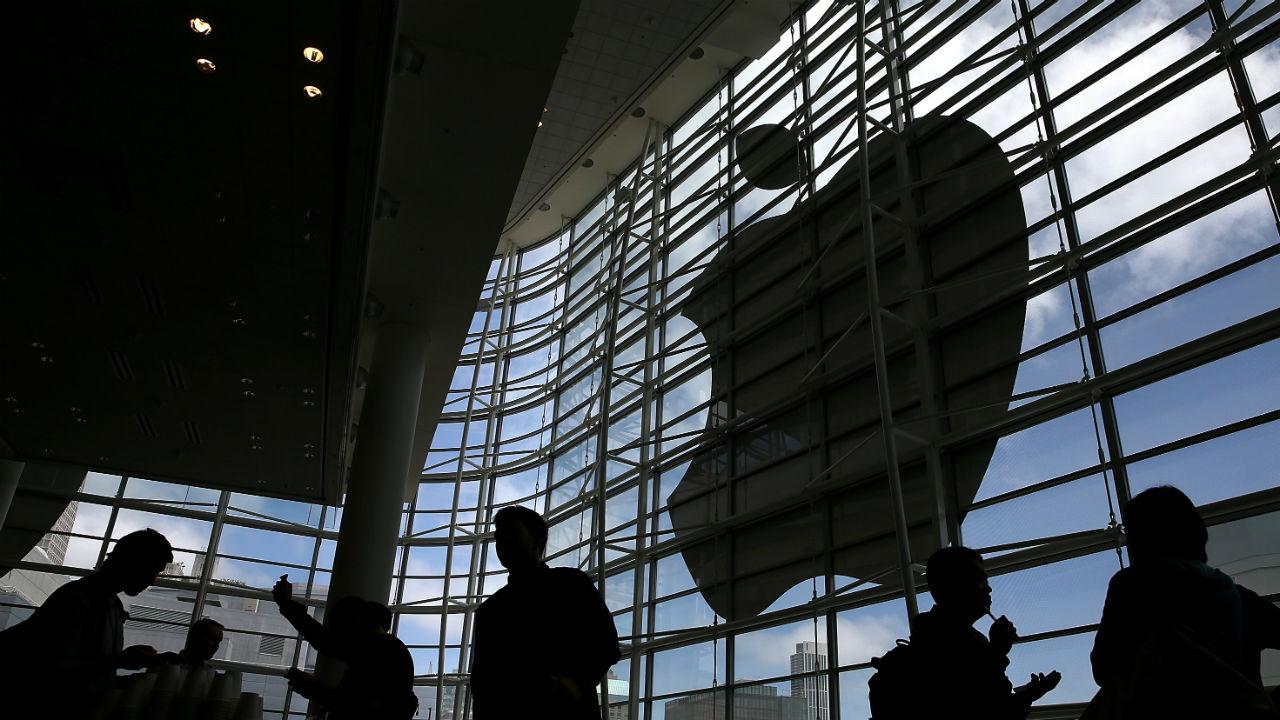
Photograph by Justin Sulivan — Getty Images
Add Fortune on Google for similar content.

Calling all iPhone users: you can breathe a sigh of relief.

Thursday night, Apple published a temporary fix to a strange bug that causes a user’s messaging app to unexpectedly quit after receiving a “specific series of unicode characters,” that appear to be a combination of symbols and arabic-language characters. If this happens to you, just follow these simple steps. (Yes, you’ll have to get Siri involved):

  1. Ask Siri to “read unread messages.”
  2. Use Siri to reply to the malicious message. After you reply, you’ll be able to open Messages again.
  3. In Messages, swipe left to delete the entire thread. Or tap and hold the malicious message, tap More, and delete the message from the thread.

Apple plans to permanently fix the bug in an upcoming software update.

About the Author
By Chris Matthews
See full bioRight Arrow Button Icon
Add Fortune on Google for similar content.

Latest in Tech


Most Popular

Fortune Secondary Logo
Rankings
  • 100 Best Companies
  • Fortune 500
  • Global 500
  • Fortune 500 Europe
  • Most Powerful Women
  • World's Most Admired Companies
  • See All Rankings
  • Lists Calendar
Sections
  • Finance
  • Fortune Crypto
  • Features
  • Leadership
  • Health
  • Commentary
  • Success
  • Retail
  • Mpw
  • Tech
  • Lifestyle
  • CEO Initiative
  • Asia
  • Politics
  • Conferences
  • Europe
  • Newsletters
  • Personal Finance
  • Environment
  • Magazine
  • Education
Customer Support
  • Frequently Asked Questions
  • Customer Service Portal
  • Privacy Policy
  • Terms Of Use
  • Single Issues For Purchase
  • International Print
Commercial Services
  • Advertising
  • Fortune Brand Studio
  • Fortune Analytics
  • Fortune Conferences
  • Business Development
  • Group Subscriptions
About Us
  • About Us
  • Press Center
  • Work At Fortune
  • Terms And Conditions
  • Site Map
  • About Us
  • Press Center
  • Work At Fortune
  • Terms And Conditions
  • Site Map
  • Facebook icon
  • Twitter icon
  • LinkedIn icon
  • Instagram icon
  • TikTok icon
  • YouTube icon

    Latest in Tech


    Most Popular

    © 2026 Fortune Media IP Limited. All Rights Reserved. Use of this site constitutes acceptance of our Terms of Use and Privacy Policy | CA Notice at Collection and Privacy Notice | Do Not Sell/Share My Personal Information
    FORTUNE is a trademark of Fortune Media IP Limited, registered in the U.S. and other countries. FORTUNE may receive compensation for some links to products and services on this website. Offers may be subject to change without notice.